Why Decluttering Still Matters Even With AI Enhancement
"Can't the AI just remove that for me?" is a question that comes up constantly once agents see how much an enhancement tool fixes automatically — and the honest answer is: for lighting, color, and perspective, yes. For the stack of mail on the counter, no. Photo enhancement and decluttering solve two completely different problems, and confusing them is why some agents still upload cluttered rooms expecting software to clean them up.
Key takeaways
- AI enhancement corrects exposure, color balance, and perspective — it doesn't move physical objects out of frame
- Cables, trash bins, and counter clutter are consistently the first things viewers notice in a listing photo
- A 5-minute declutter pass before shooting has an outsized effect on how "finished" the final photo reads
- Personal items (toiletries, family photos, laundry) actively work against buyers picturing themselves in the space
- Decluttering and enhancement are sequential steps, not substitutes for each other
What enhancement actually touches
Tools like LiftMyPhotos work on the photo's exposure, color accuracy, and perspective — correcting a too-dark room, balancing mixed lighting, and straightening lines a wide-angle lens bent. That's genuinely automatable: it's a function of pixels and geometry in the image itself, not a judgment call about what should or shouldn't be in the shot.

What it doesn't touch — and shouldn't
Removing an actual physical object from a room is a different kind of edit entirely, and for good reason: it starts to cross into the same misrepresentation territory covered by listing-photo ethics standards (altering what's actually in the property). A tool that aggressively erases real objects from a scene risks the exact credibility problem enhancement is supposed to avoid. The practical result is simple — clutter has to be cleared before the photo is taken, not after.
The 5-minute pass before you shoot
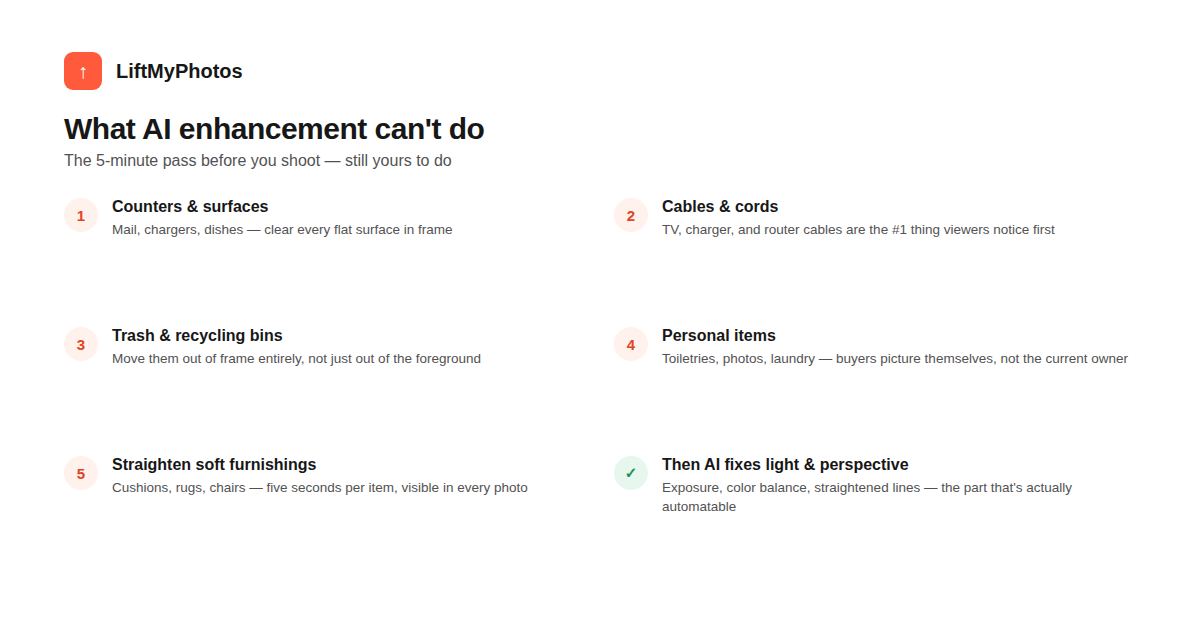
- Counters & surfaces — mail, chargers, dishes, anything loose on a flat surface
- Cables & cords — TV, charger, and router cables are consistently the first thing viewers notice
- Trash & recycling bins — move them fully out of frame, not just out of the foreground
- Personal items — toiletries, family photos, laundry; buyers need to picture themselves, not the current occupant
- Soft furnishings — straighten cushions, rugs, and chairs; takes seconds per item, visible in every single photo of the room

Why this matters more than agents expect
Visual clutter reads as unfinished even when the actual photo quality (lighting, sharpness, color) is otherwise good — it's one of the fastest ways a listing signals "not quite ready to show" to a scrolling buyer. Conversely, a clean, decluttered room needs noticeably less enhancement to look professional, because there's simply less in the frame working against it. The two steps compound: a decluttered room that's then exposure- and perspective-corrected reads as a fully professional shot; a cluttered room that's only exposure-corrected still reads as an amateur one, just a brighter version of it.
Can AI enhancement blur or soften clutter instead of removing it?
Some tools attempt this, but it tends to look artificial and can draw more attention to the clutter, not less. A 30-second physical declutter pass produces a cleaner result than trying to edit around objects that are still in frame.
What if the unit is tenant-occupied and I can't move everything?
Focus on the quick wins that don't require the tenant's involvement — cables, trash bins, and anything on counters you have permission to move. For personal items you can't touch, shoot at an angle that keeps them out of frame rather than relying on editing to remove them after the fact.
Does decluttering matter for exterior/balcony shots too?
Yes — stray furniture covers, drying laundry, and storage items on balconies are just as noticeable as interior clutter, and are just as easy to clear in the same 5-minute pass before shooting.
Clear the clutter, then let LiftMyPhotos handle the lighting, color, and perspective — try it free, no credit card required.
Related reading


Try LiftMyPhotos on your next listing
3 free enhancements on signup. No credit card required.