Where's the Line on Listing Photo Editing? (Based on NAR's Actual Guidance)
"Is this even allowed?" is a fair question to ask before enhancing a listing photo, and the honest answer is that there's a real, defined line — it's just rarely explained clearly. The U.S. National Association of REALTORS® (NAR) Code of Ethics, Article 12, requires a "true picture" in advertising and marketing. That single standard is the clearest public guidance that exists on where routine photo correction ends and misrepresentation begins. It's U.S.-specific guidance, but the underlying principle — don't let a photo promise something the property doesn't deliver — holds everywhere, including Dubai, where a growing share of listings now use some form of AI-enhanced imagery.
Key takeaways
- NAR's Article 12 standard: advertising and photos must present a "true picture" of the property
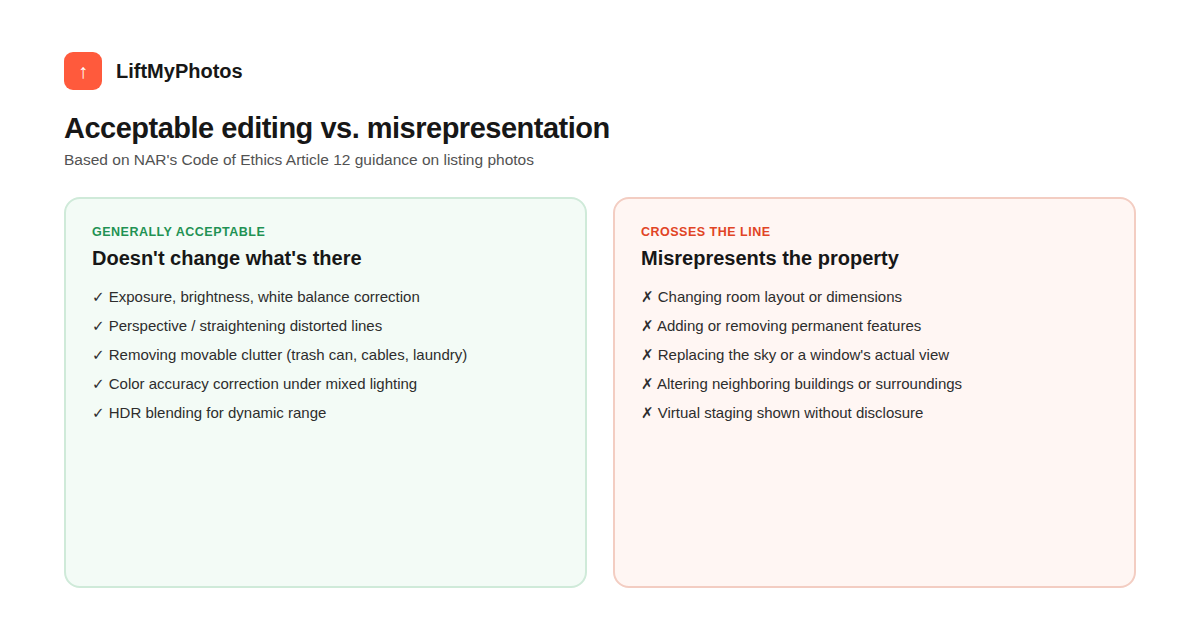
- Routine corrections — exposure, white balance, color accuracy, HDR blending, perspective straightening — are generally treated as acceptable
- Clear violations: changing room layout or dimensions, adding/removing permanent features, altering the view from a window, changing surroundings or neighboring buildings
- A 2026 industry study found roughly 11% of a large sample of primary listing photos showed signs of digital alteration
- Some markets are moving toward formal disclosure rules for AI-edited and virtually staged photos — expect more of this, not less
The actual rule: "a true picture"
NAR's Code of Ethics Article 12 doesn't give a technical spec for photo editing — it sets a standard: representations must present a true picture of the property. In practice, that's been interpreted around a simple test some agents use: would this edit change something permanent about the property, or a problem a buyer should know about? Moving a trash can out of a driveway shot generally passes that test. Making a room look larger than it is, or showing a view that doesn't exist from that window, doesn't.
What's generally treated as acceptable
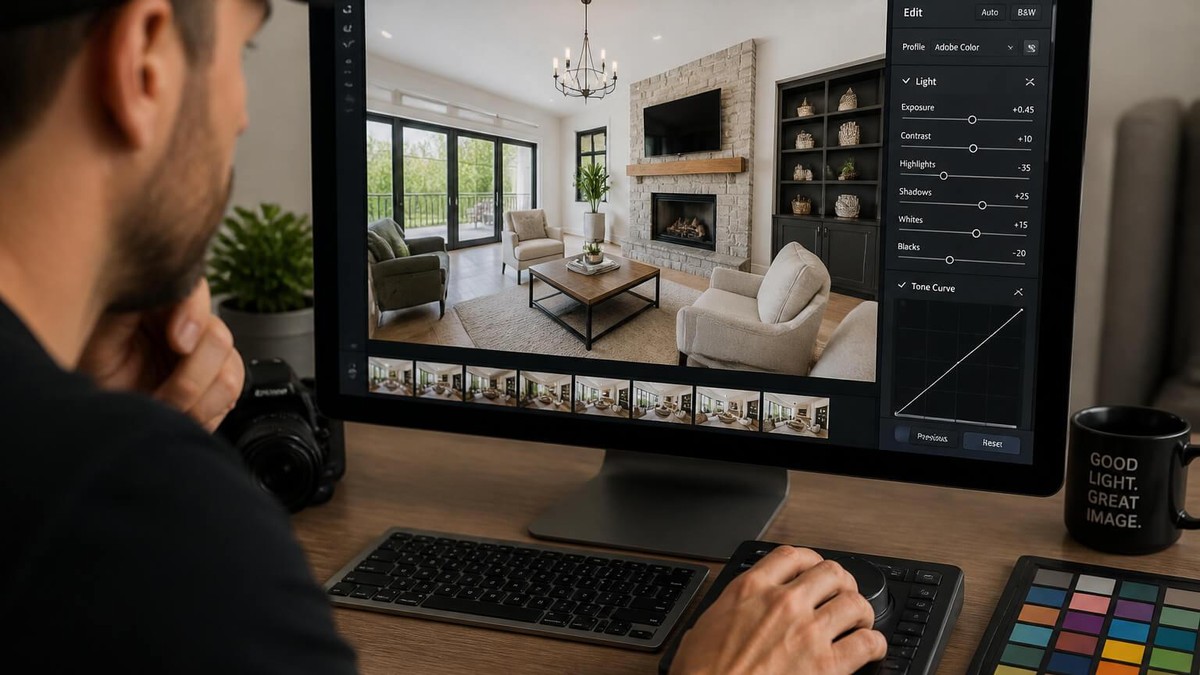
- Exposure, brightness, and white balance correction
- HDR blending to recover detail in both bright windows and darker interior areas
- Perspective correction — straightening lines that a wide lens or an off-level shot distorted
- Removing movable clutter (trash bins, cables, personal items) that aren't part of the property itself
- Color accuracy correction under mixed or unflattering lighting
Our free photo resizer and watermark remover both stay firmly on this side of the line — resizing or removing a logo you have rights to doesn't change anything about the property itself.
What crosses into misrepresentation
- Changing a room's layout, size, or proportions
- Adding or removing permanent fixtures or features
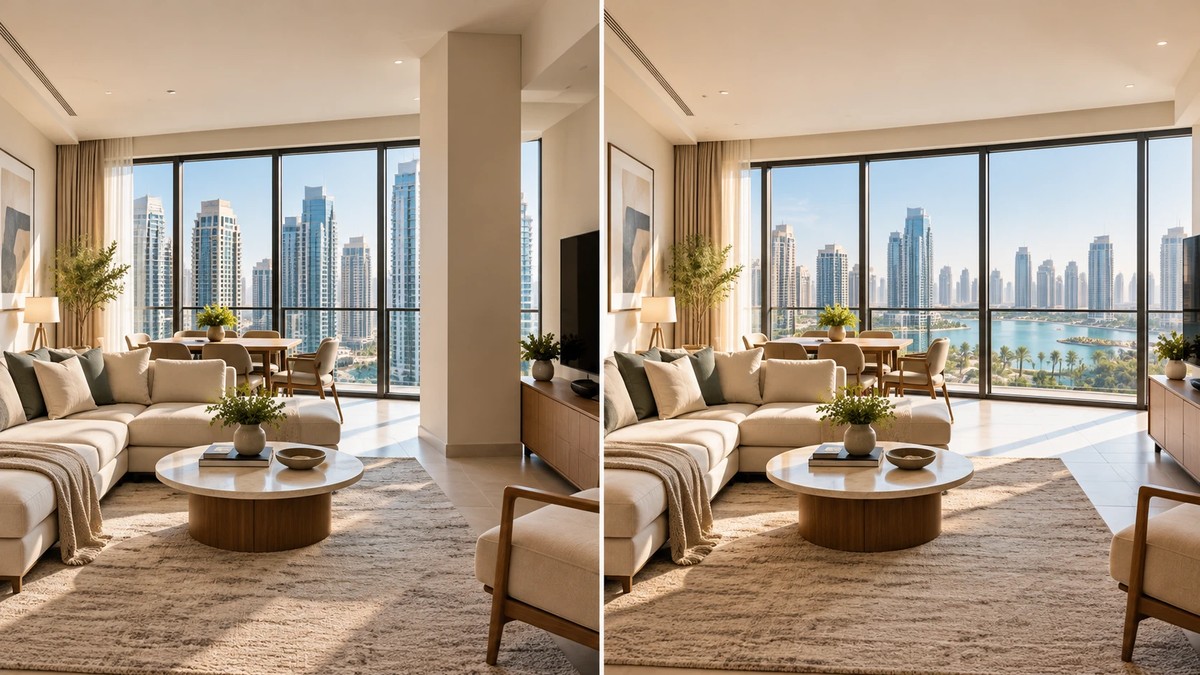
- Replacing the sky, or showing a view from a window that isn't actually there
- Altering neighboring buildings, landscaping, or surroundings
- Showing virtually staged furniture without disclosing that it's staged
Why this matters more in 2026, not less
AI-based photo tools have made every kind of edit — both the acceptable corrections and the problematic ones — dramatically faster and cheaper to produce, which is exactly why scrutiny on this is increasing rather than fading. One 2026 industry study found that roughly 11% of around 40,000 primary listing photos sampled showed signs of digital alteration. Regulators and MLS systems are starting to respond: some U.S. states have introduced disclosure requirements for AI-edited and virtually staged photos, and several MLS platforms have published their own AI-image guidelines. The direction is clear: expect more formal disclosure expectations, not fewer, over the next few years — including, plausibly, in Gulf markets as AI-generated listing content becomes more common there too.
Where LiftMyPhotos sits on this line
LiftMyPhotos is built to stay firmly on the "acceptable correction" side of this line by design — it fixes exposure, color, and perspective, and removes clutter, on the room exactly as photographed. It doesn't change room dimensions, add or remove permanent features, or alter what's outside a window. If a photo needs that kind of change, that's a misrepresentation risk no editing tool should paper over, regardless of how capable it is.
Does this NAR rule apply outside the US?
The specific Code of Ethics article is a U.S. NAR membership rule. It doesn't directly bind agents in Dubai or elsewhere, but the underlying principle — don't misrepresent the property — reflects consumer protection expectations that apply broadly, and platform-specific rules (like Property Finder's or Bayut's own photo policies) enforce similar standards locally.
Is virtual staging against the rules?
Not inherently — the issue is disclosure. Showing a vacant room with virtual furniture is widely accepted as long as it's clearly labeled as staged, so buyers aren't misled into thinking the furniture is included or that the room looks that way in person. See our deeper look at Dubai's virtual staging rules for what's actually confirmed vs. just claimed.
Is HDR considered risky editing?
No — HDR blending to recover detail in both bright and dark areas of the same shot is treated as a standard, legitimate technique, distinct from extreme oversaturation or unnatural color grading that makes a space look artificially different from reality.
Fix exposure, color, and perspective without ever touching what the property actually is — try LiftMyPhotos free, no credit card required.
Related reading


Try LiftMyPhotos on your next listing
3 free enhancements on signup. No credit card required.