Bayut TruCheck™ vs. Listing Gallery Photos: Why Agents Mix These Up
A surprisingly common support question for Bayut agents: "why did my TruCheck get rejected when I used my best listing photos?" The answer is that TruCheck™ and your listing gallery aren't the same thing, follow completely different rules, and mixing them up is the single most common photo mistake on the platform. Here's what each one actually requires, sourced from Bayut's own help center and agent portal.
Key takeaways
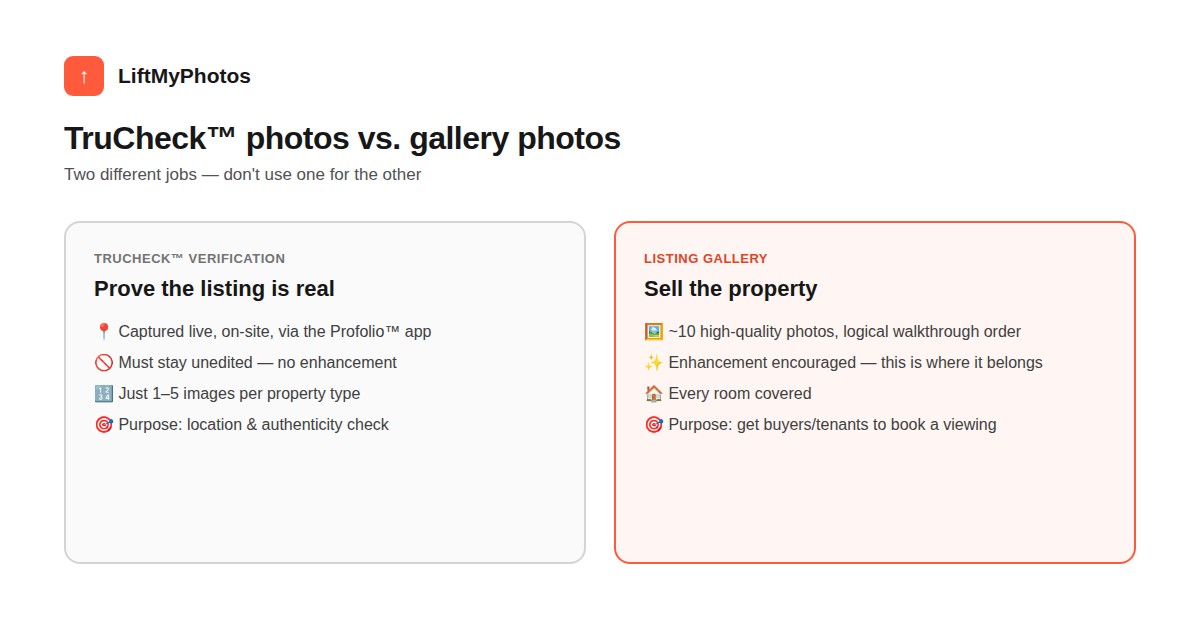
- TruCheck™ photos must be captured live, on-site, via Bayut's Profolio™ app — unedited, 1-5 images depending on property type
- Your listing gallery is separate: Bayut's agent portal recommends about 10 high-quality photos in logical walkthrough order
- Photograph every room, and Bayut's own guide recommends a subtle watermark — notably different from MLS systems elsewhere that reject watermarked photos
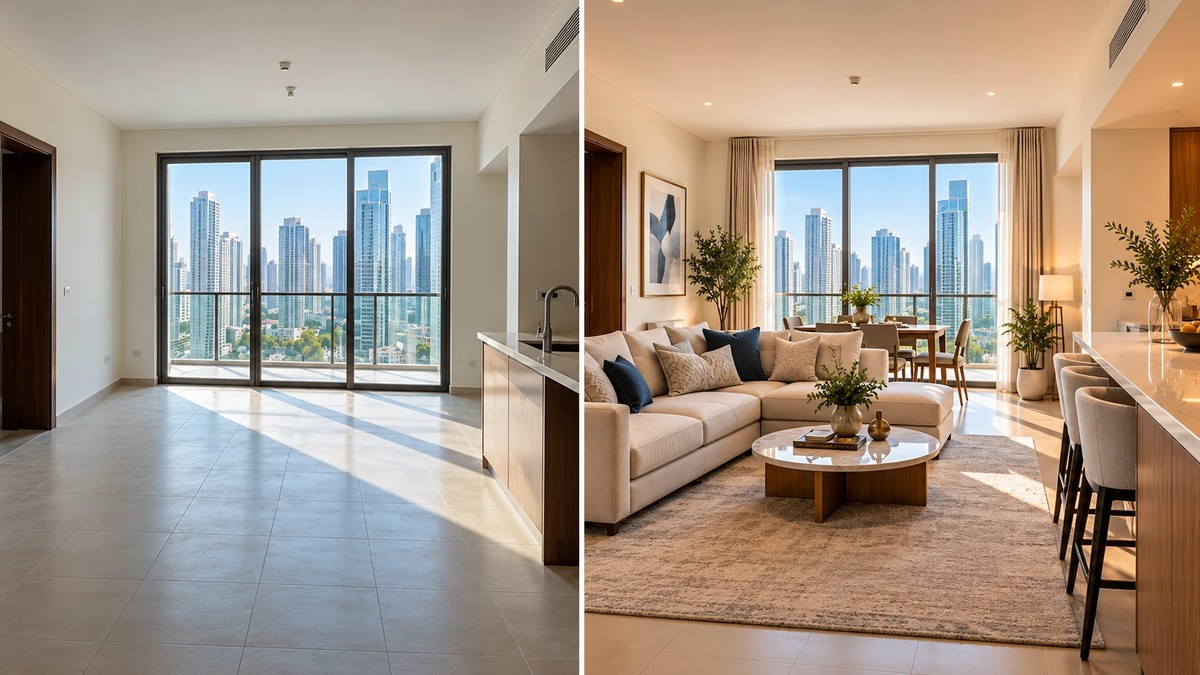
- For unfurnished units, Bayut suggests staging (real or virtual) rather than listing empty rooms as-is
- Enhancement belongs in the gallery, never in TruCheck — using an edited photo for verification defeats its purpose
What TruCheck™ actually requires
TruCheck™ exists to verify a listing is real and current — not to showcase the property. Bayut's help center is specific: photos must be captured and uploaded directly at the property using the Profolio™ app, and the requirement varies by property type.
- Apartments: a clear outside shot with the main door open, showing the unit number and a partial interior view, plus supporting interior photos matching the listing
- Villas/Townhouses: at least one clear interior photo
- Showrooms and shops: interior photos, ideally matching the listing images
- Buildings: at least one clear exterior photo
- Offices: the office number visible with the door open, showing the interior
The reason these have to stay unedited and be captured live through the app is the whole point of TruCheck — it's confirming the location and timing of the photo, not its visual quality. Running these through any enhancement tool (including ours) would undermine exactly what they're meant to prove.
What your listing gallery actually needs
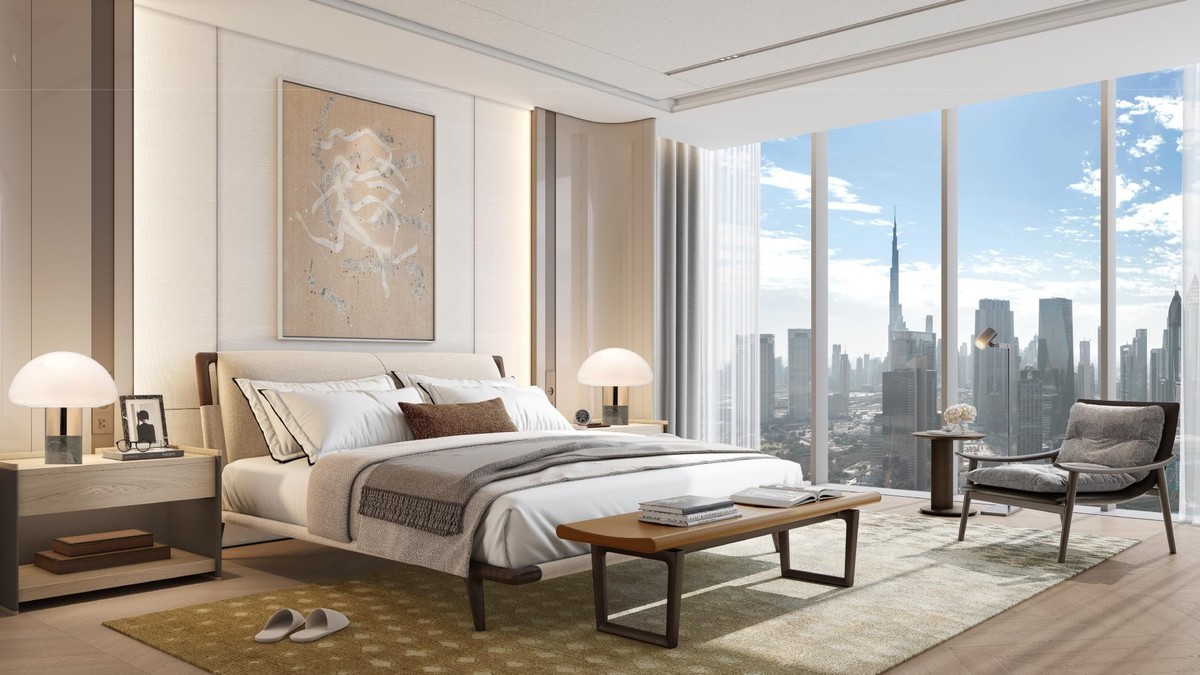
This is the part that's actually meant to sell the property, and Bayut's own agent portal is clear about the format: roughly 10 high-quality photos arranged in a logical order, so a viewer mentally walks through the property the way they would in person — not a random jumble of angles. Run each one through our free photo quality checker before upload to catch blur or exposure problems ahead of time.
- Photograph every room, not just the best-looking one
- Upload in a logical, walkthrough-style order
- Add a subtle watermark — Bayut's own guide recommends this
- For unfurnished units, consider staging (physical or virtual) rather than listing bare rooms
Worth flagging: that watermark recommendation is specific to Bayut. Some MLS systems elsewhere explicitly reject watermarked photos, so don't assume one platform's advice applies to all of them — check each portal's own rules rather than reusing the same photo set with the same treatment everywhere (Property Finder's requirements are a good example of how much they can differ).
This is exactly where photo enhancement belongs — fixing exposure, straightening perspective, and clearing clutter from your raw gallery photos before upload, so all ten end up looking consistently professional instead of a mix of good and rough shots. Enhancement doesn't replace physically decluttering the room first — the two are sequential steps, not substitutes.
The one rule that avoids the whole problem
Keep the two photo sets completely separate. Shoot your TruCheck photos live through Profolio, exactly as the app requires, and don't touch them. Shoot (or reuse) a separate, fuller set for your listing gallery, and enhance that set as much as you want — that's the one Bayut's own guidance expects to look polished, and the one that actually gets someone to book a viewing.
Can I use my TruCheck photos as my listing gallery photos?
They can overlap in content (e.g. the same room), but TruCheck photos are captured through a specific live, on-site process and are meant to stay unedited — treat your listing gallery as a separate, fuller photo set rather than reusing TruCheck images directly.
Does Bayut require a watermark on listing photos?
Bayut's agent guidance recommends a subtle watermark on listing gallery photos. This is Bayut-specific — don't assume the same applies on every platform, since some MLS systems explicitly reject watermarked images.
How many photos should a Bayut listing have?
Bayut's agent portal recommends around 10 high-quality photos arranged in a logical, walkthrough-style order, covering every room rather than repeating the best angle.
What if the unit is unfurnished?
Bayut's guidance suggests considering staging — either physically staging the unit or using virtual staging — rather than listing bare, empty rooms as-is.
Can I enhance my TruCheck photos to make them look better?
No — TruCheck photos are meant to verify the listing is real and current, captured live via the Profolio™ app. Editing them defeats that purpose. Save enhancement for your separate listing gallery photos.
If your raw listing gallery photos need the brightness, perspective, and clutter fixed before upload, LiftMyPhotos does exactly that — try it free, no credit card required.
Related reading


Try LiftMyPhotos on your next listing
3 free enhancements on signup. No credit card required.